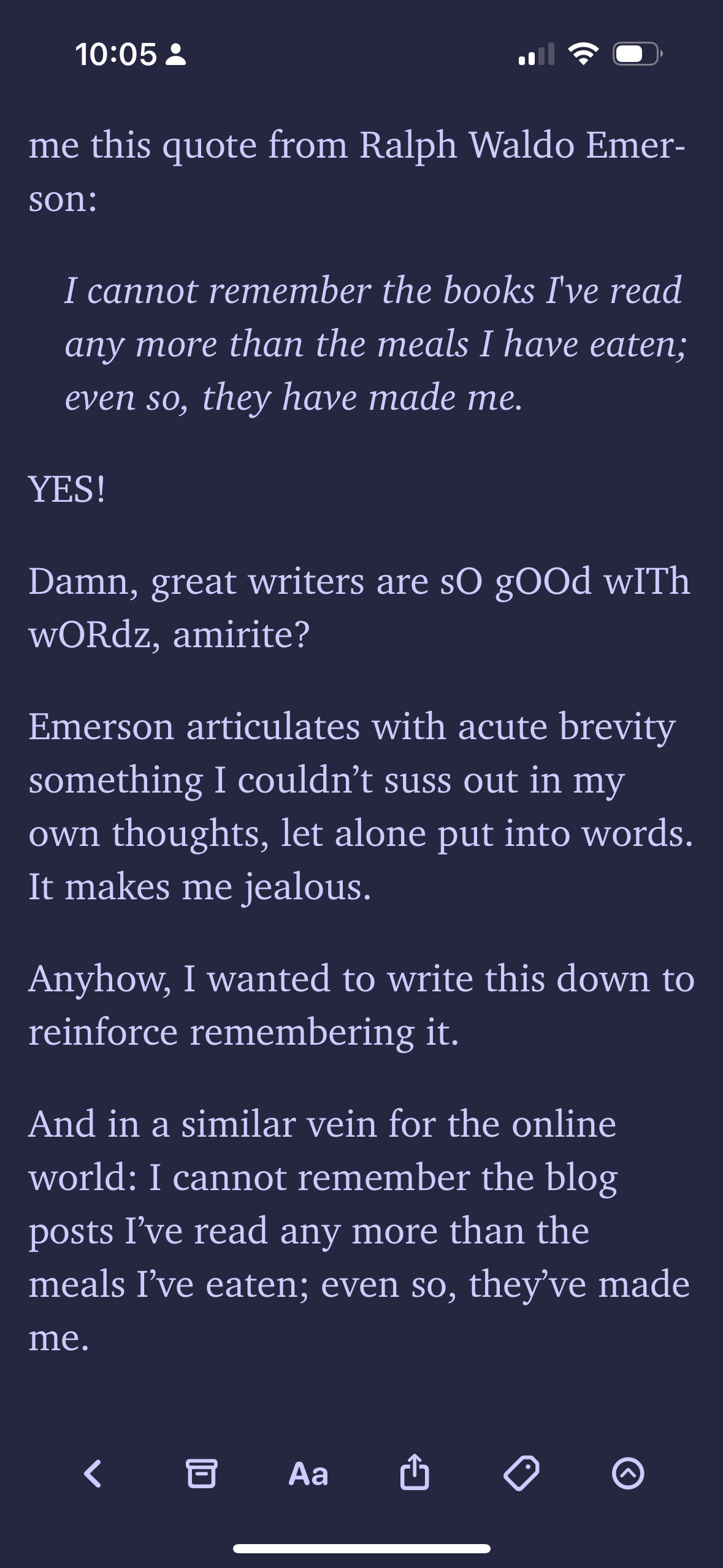
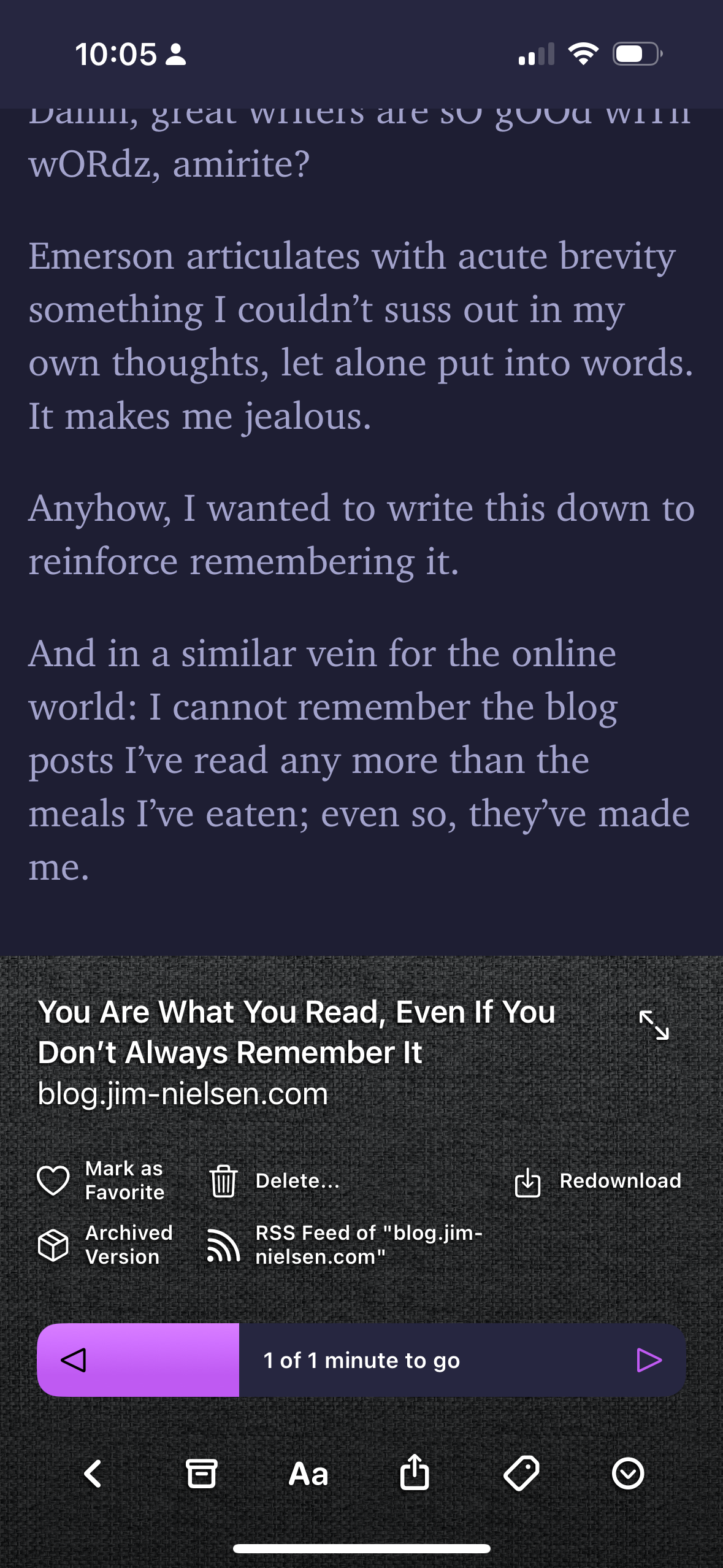
This is a mini app review, in case you couldn’t tell from the tag that says “app review”.
Flyleaf is a “read it later” app whose main inspiration is Instapaper, an old read later app from 2008 (and probably the first one ever made). But it’s not just based on Instapaper, it’s based on the Instapaper from 2008. With pagination. The dev has stated that his main reason for making it is just that there’s nothing else out there that has Instapaper’s pagination feature, and Instapaper itself doesn’t even support it that well.
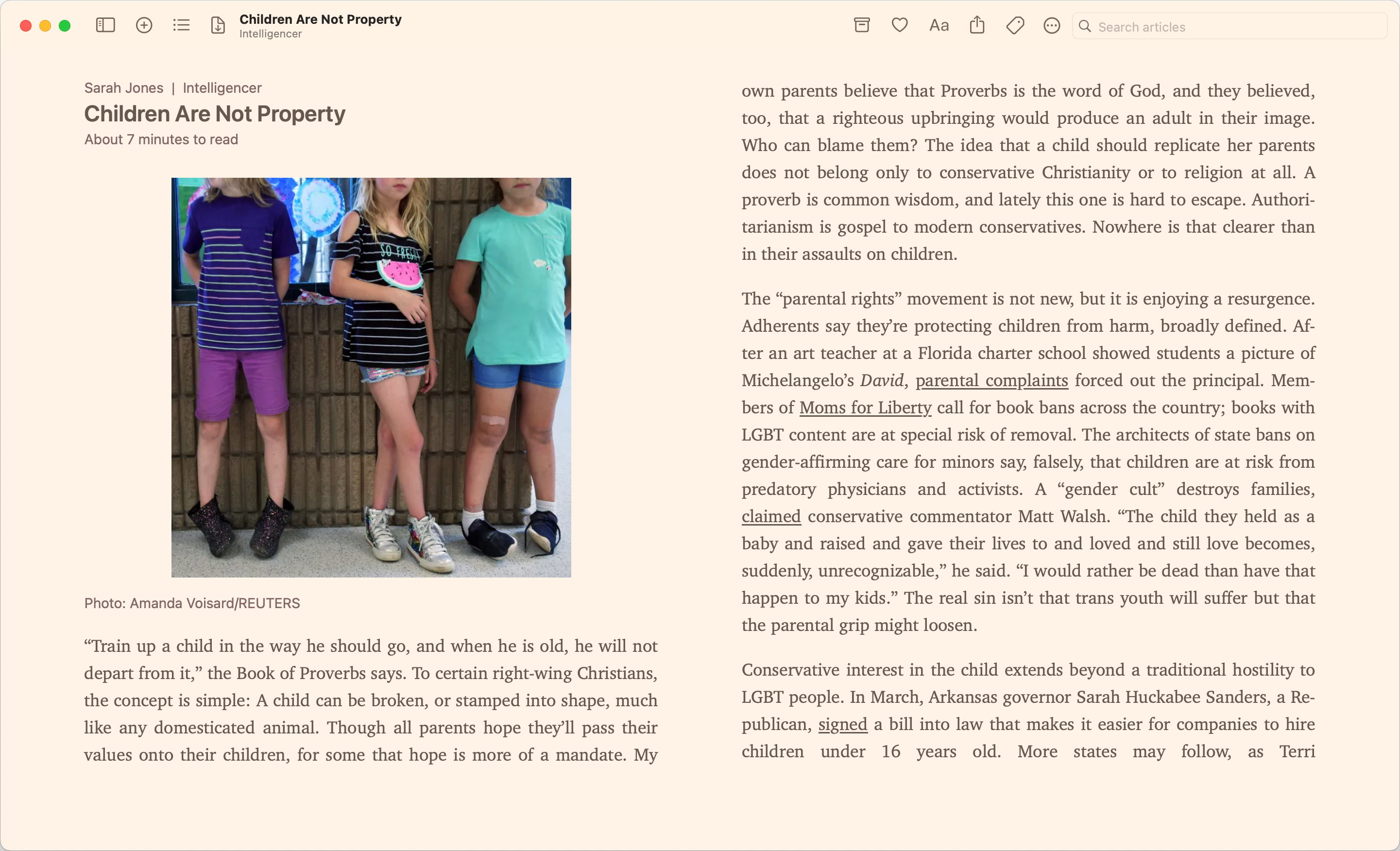
I quite like pagination (scrolling hurts my wrist and feels worse to read), so it was a no brainer for me to use. It also doesn’t hurt that it’s cheaper than the read later app I was using before (also, matter is integrating a bunch of ai features that get in the way of the reading part of a read later app. Really sucks but that’s what vc money gets you). I’m still using the old one too for the remaining length of the subscription, but I’m hoping that I won’t have to renew it.
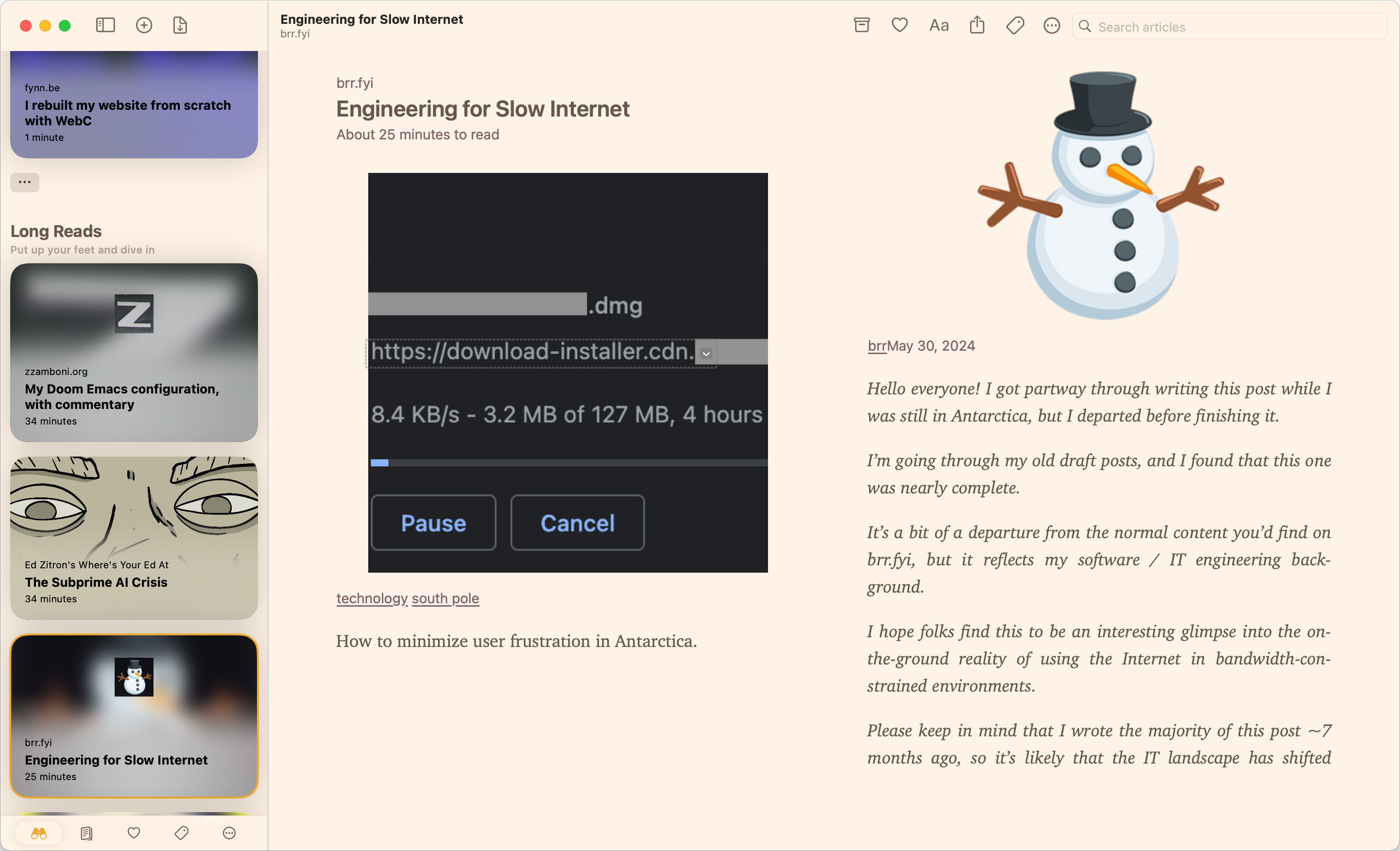
Anyways, here’s a comparison of the pros and cons because my brain is too tired to write a more detailed review.
Pros
- Pagination (the big one!)
- Pretty solid themes (they come second to Matter)
- Doesn’t just show you the articles from oldest to newest. Instead shows you articles based on certain vibes (short reads, long reads, new, random). Really nice!
- Multiple ways of organizing stuff
- Made by an indie dev
- Local first!
Cons
- Made by an indie dev (I haven’t run into parsing issues yet, but I doubt one guy will be able to do a better job than companies like Readwise Reader, Pocket, Instapaper, Matter, etc. But who knows?)
- Local first (you need to be able to download the article on your phone to read it. you can’t save stuff if you don’t have internet)
- iOS/macOS only (sorry android people)
- Has a subscription, although the subscription doesn’t stop you from reading things. It just affects themes and stuff.
- Idk I think that’s it? I’ll update this if I have more problems I guess
So that’s Flyleaf! Check it out! I’m enjoying it at least!